Cameron Main
GeoMastr
An educational web application for learning geographical features to improve GeoGuessr skills.
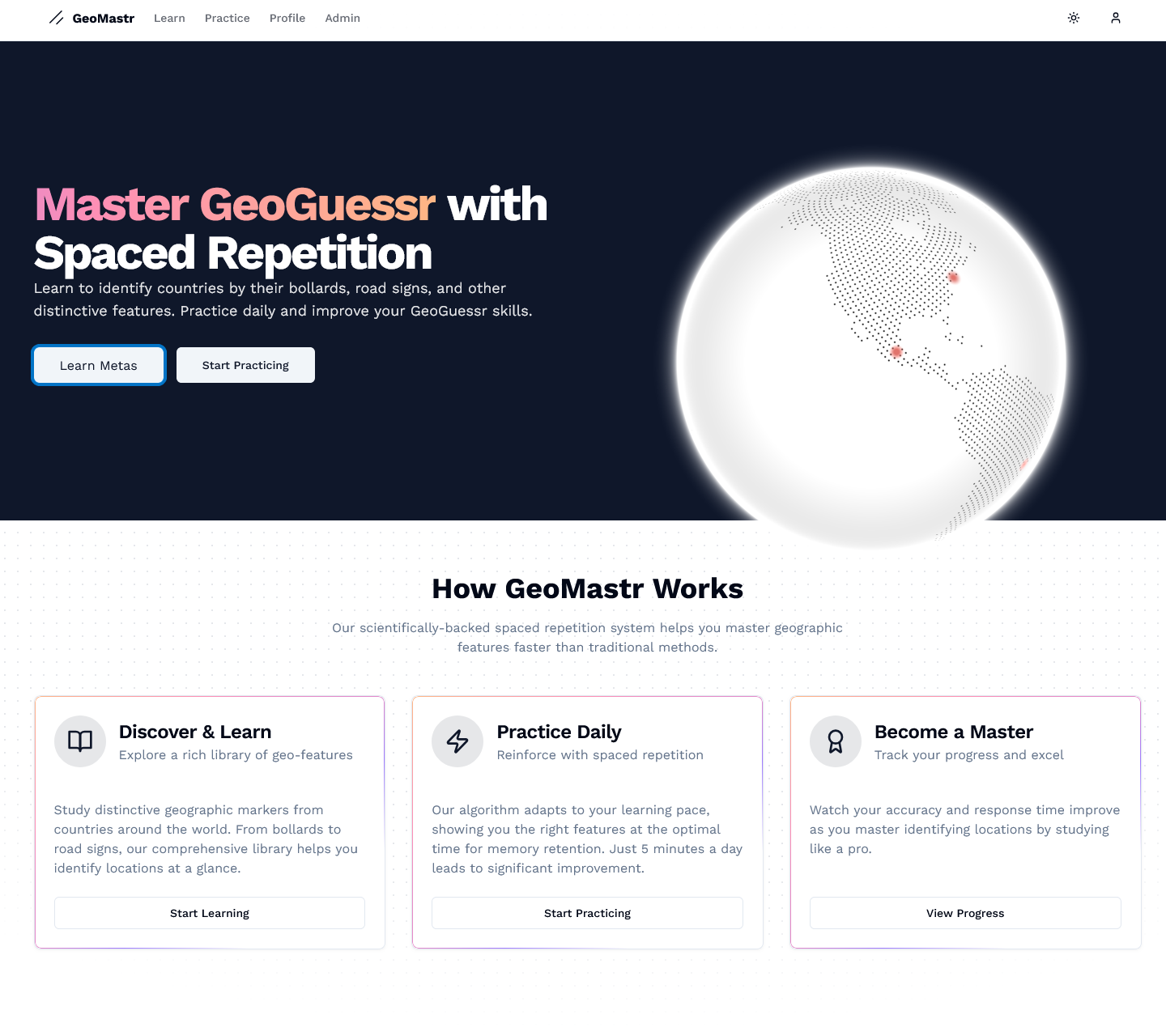 The bollards learning page showing country-specific bollard designs.
Description
GeoMastr is a web application designed to help users improve their skills in GeoGuessr, a popular geography-based browser game where players are dropped into random locations on Google Street View and must guess their location. Success in GeoGuessr relies heavily on recognising distinctive geographical features that vary by country.
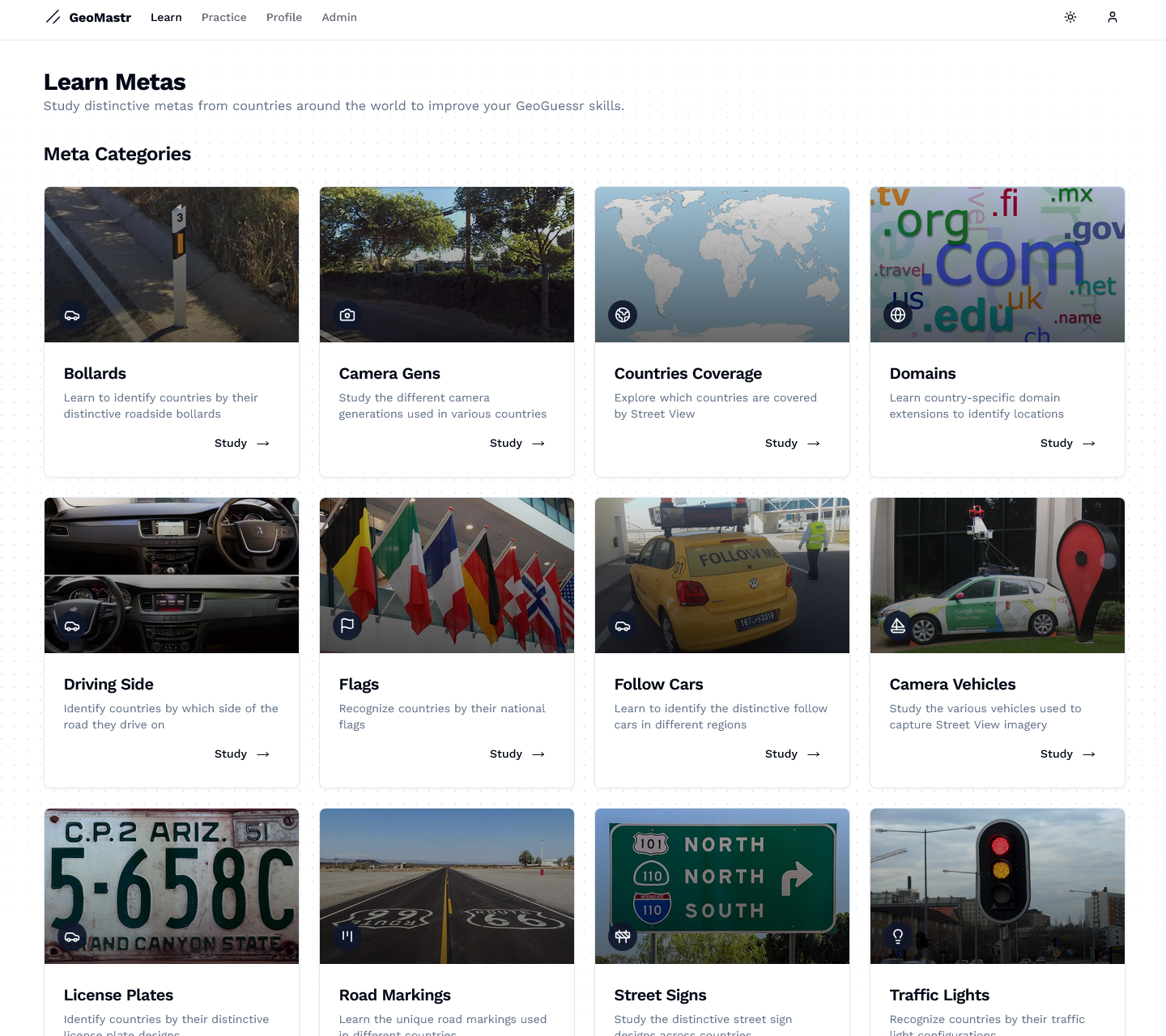
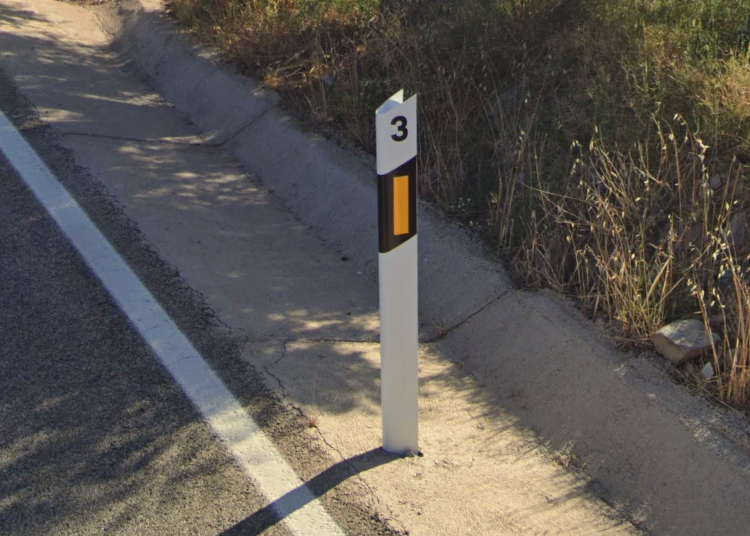
The application focuses on teaching users to identify "meta" country-specific features such as bollards (short posts used to direct traffic), which vary significantly in design across different countries. By learning to recognise these distinctive elements, users can quickly narrow down their location when playing GeoGuessr.
Development Approach
Whilst GeoMastr was built using a NextJS app boilerplate as a foundation, I significantly customised and enhanced it to create a unique application focused on my use case. The boilerplate provided a solid starting point with Next.js, Supabase integration, and authentication, but the core functionality, data structure, and user interface for the geographical learning features were all custom-built.
Key enhancements and customisations include:
- Creating a custom data structure in Supabase to store and relate geographical features
- Developing the dialogue-based approach for viewing detailed information
- Implementing the organisation of country data and displaying them via country cards
- Adding the clickable location feature that links to Google Maps
This approach allowed me to focus on building the unique features of GeoMastr whilst leveraging the boilerplate's infrastructure for common functionality like authentication and database connectivity.
Technology
Supabase Data Structure
The application uses a carefully designed relational database structure in Supabase:
- countries - Stores information about each country including id, name, flag, and continent
- meta_types - Defines categories of geographical features: name, description, and image_url
- meta_items - Contains specific instances of geographical features with foreign keys linking to meta_types and countries
For example, the application uses a query like this to fetch bollard data:
const { data: metaItems } = await supabase
  .from('meta_items')
  .select(`
    id,
    description,
    image_url,
    location,
    countries (
      id,
      name,
      flag,
      continent
    )
  `)
  .eq('meta_type_id', metaType.id)
  .order('country_id')
The user interface was built using a combination of shadcn/ui and MagicUI component libraries, which provided consistent styling and interactive elements like dialogues, cards, and zoom features for images.
A key design decision was implementing a dialogue-based approach for viewing bollard details. This allows users to view detailed information without navigating away from the main page, maintaining context whilst exploring different countries.
Development Challenges
One of the main challenges was organising the data efficiently. I implemented a grouping algorithm that takes the flat list of meta items from Supabase and organises them first by continent, then by country:
const groupedByContinent = metaItems.reduce((acc, item) => {
  const continent = item.countries.continent;
  const country = item.countries;

  if (!acc[continent]) {
    acc[continent] = {};
  }

  if (!acc[continent][country.id]) {
    acc[continent][country.id] = {
      country,
      items: []
    };
  }

  acc[continent][country.id].items.push(item);

  return acc;
}, {});
User Authentication & Admin Panel
GeoMastr implements a robust user authentication system using Supabase Auth, allowing users to create accounts to track their learning progress. The application features role-based access control with special privileges for admin users.
The admin panel provides privileged users with a comprehensive set of tools to manage the application's content:
- Content Management - Add, edit, or remove specific meta items and geographical features
- User Management - View user accounts and adjust role permissions
- Data Analytics - Monitor usage patterns and popular content
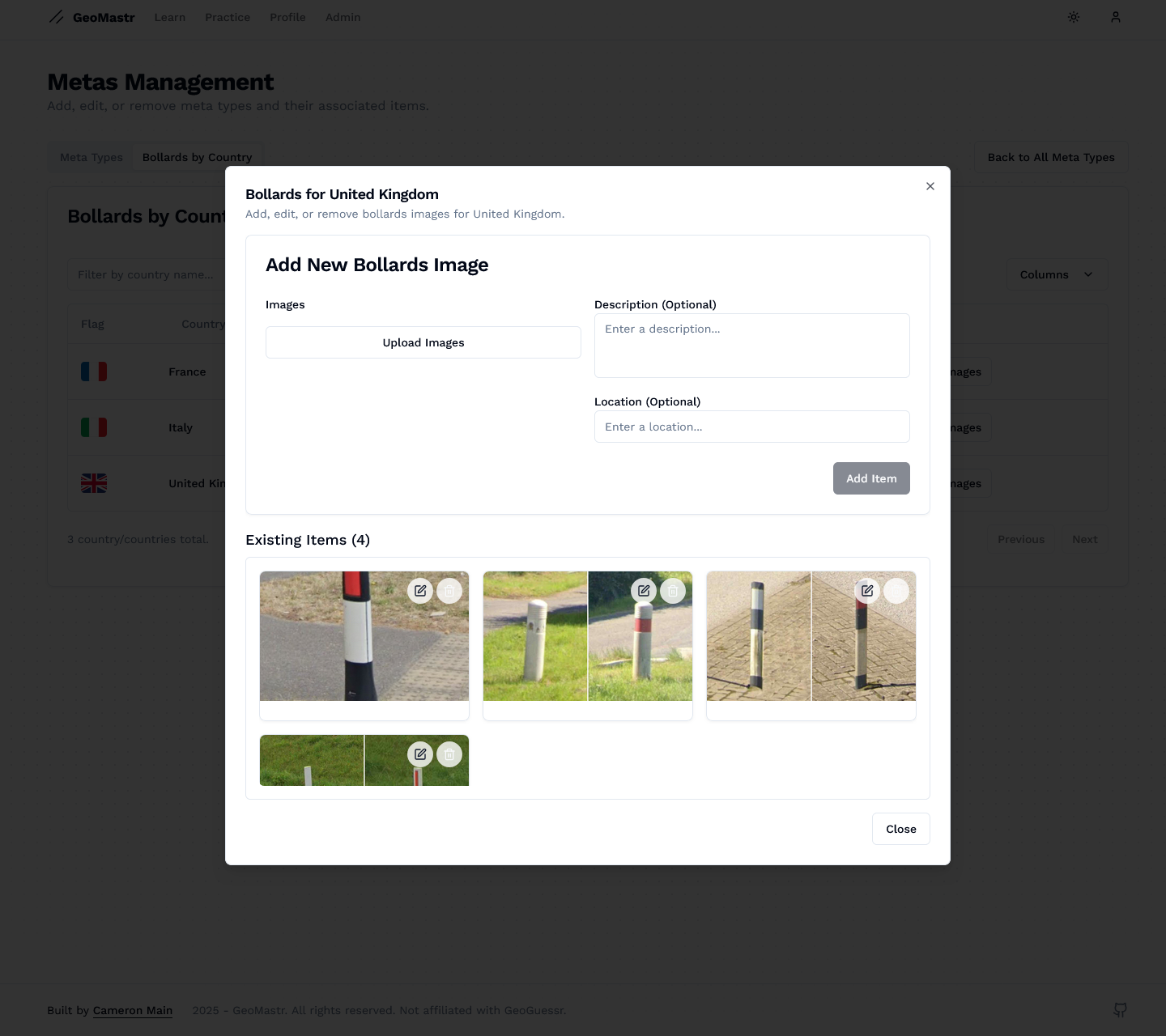 The admin panel interface showing the editing of bollard data belonging to the United Kingdom.